Know what’s next.
See your child’s upcoming appointments, including the date, time, and appointment type. Keep the next visit on your radar.


Coleman Orthodontics · Patient resources
Your smile. Your schedule.
Your hub.
A little less to keep track of. A lot more convenience. Our Greyfinch Patient Hub brings appointments, payments, receipts, and patient information together in one place.
Log In to Patient PortalFor Coleman patients and families. You’ll continue to Greyfinch to sign in.
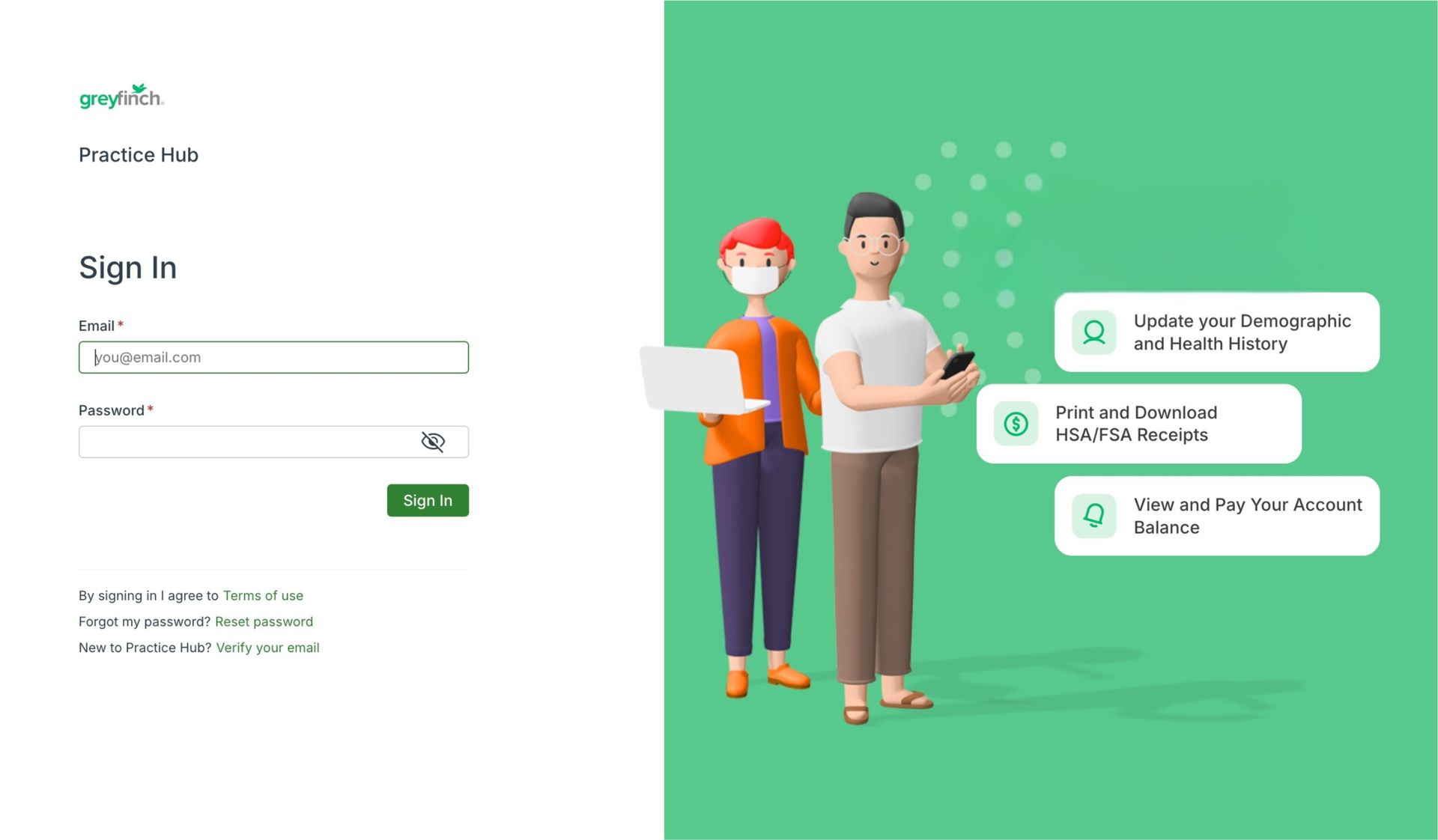
One login. Four everyday essentials.
Once you’re logged in, the details you need are right at your fingertips.
See your child’s upcoming appointments, including the date, time, and appointment type. Keep the next visit on your radar.
View your account balance and make a payment through the portal. Take care of the details when it works for you.
Print or download receipts, including receipts for your HSA or FSA records. Keep a copy handy without the paper hunt.
Update your demographic information and health history so our team has your latest details for your next visit.
A simple place to start
Open your Patient Hub in a web browser on your phone, tablet, or computer. No app download required.
First time visiting? Follow the prompts on the Greyfinch login page. If you need help accessing your account, our Coleman team is happy to help.
Select any “Log In to Patient Portal” button on this page to go directly to Greyfinch.
Follow the login prompts to access your patient information.
Review an appointment, make a payment, download a receipt, or update your information.
We’re here to help you get connected. Call our team with questions about accessing your Patient Hub.

Site design by Onboard Marketing Group.